Match Sharing Code
Identifies the latest match in your personal match-history chain, allowing new matches to be discovered.
HOW IT WORKS
Connect your Steam account once. clipthat then discovers available Premier and Competitive matches, analyzes your own plays and adds finished clips to your collection automatically.
GET STARTED WITH STEAM →SECURE STEAM SIGN-IN
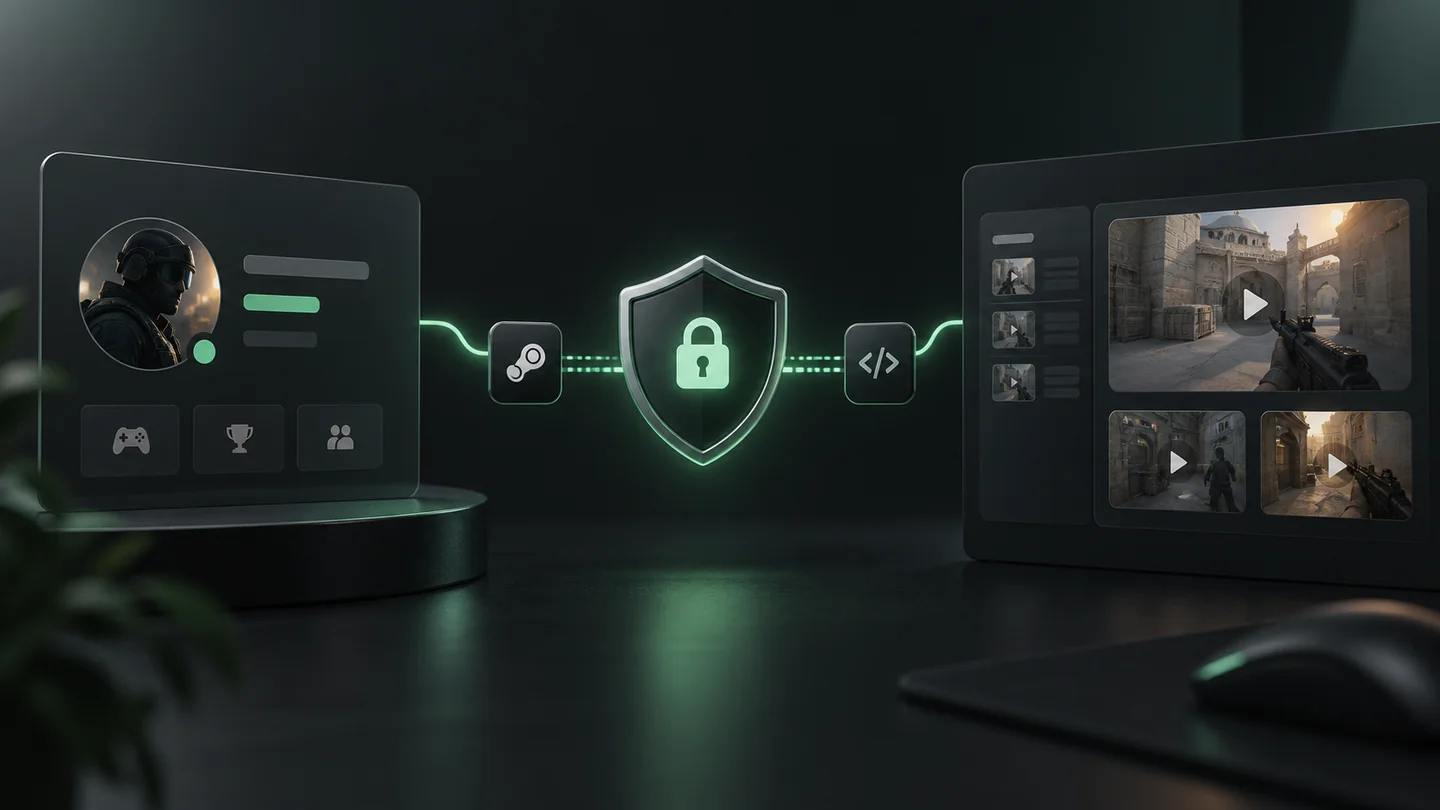
Sign-in takes place directly through Steam OpenID. clipthat never receives or stores your Steam password or Steam Guard code.
TWO CODES · ONE-TIME SETUP
For match discovery, you add the two CS2 access codes supplied by Steam. These are not login credentials and cannot be used to sign in to your Steam account.
Identifies the latest match in your personal match-history chain, allowing new matches to be discovered.
Authorizes access to your CS2 match-history data. It is stored securely and used only for automatic match discovery.
Important: Alongside these codes, clipthat stores the account and match data required to provide your profile, demos and clips. Passwords and Steam Guard codes are never stored.
AUTOMATIC IN THE BACKGROUND
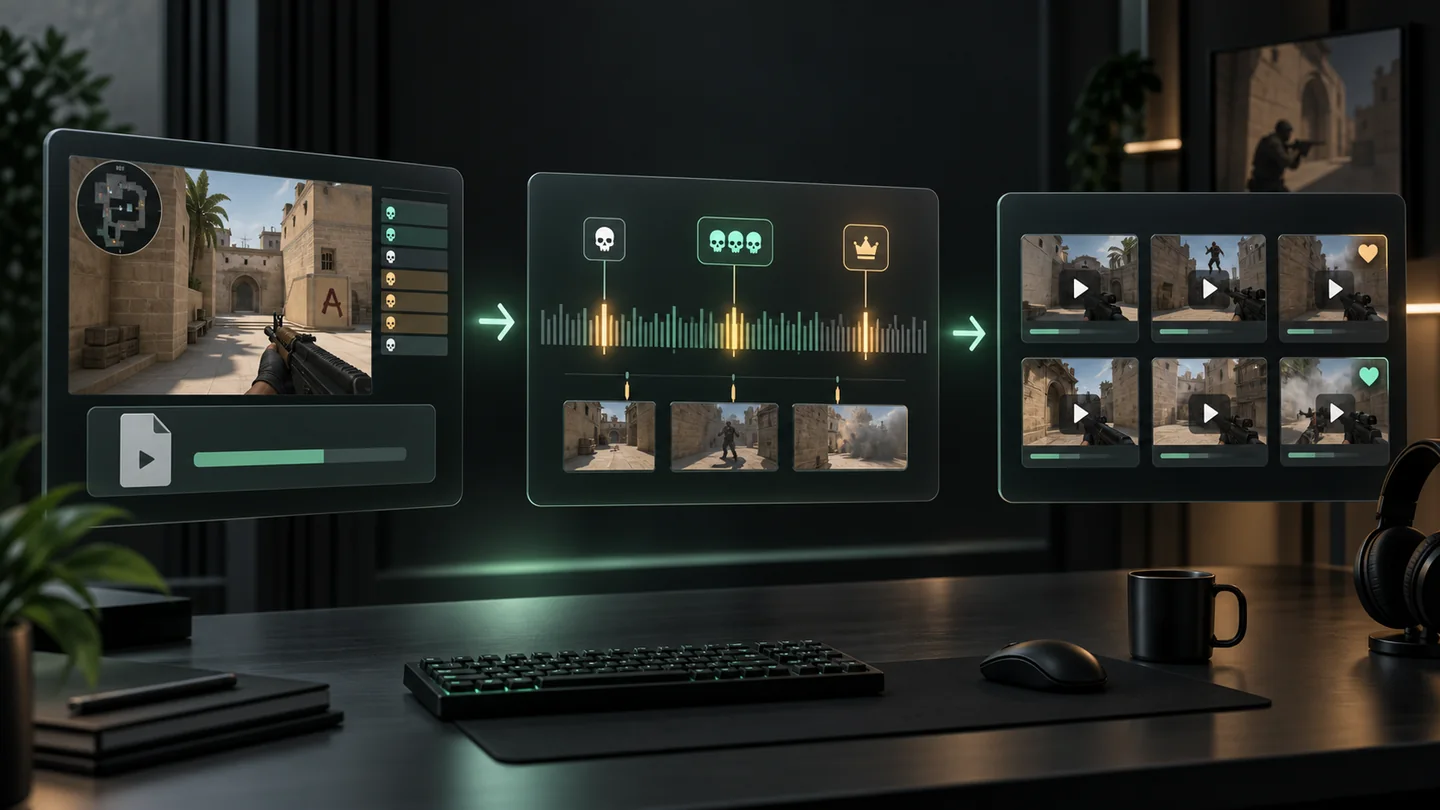
Once connected, you do not need to start a sync or upload every match yourself. clipthat regularly checks your CS2 match history and processes available Premier and Competitive replays.
CONNECT ONCE. KEEP PLAYING.
Available replays are time-limited by the game provider, so early connection gives clipthat the best chance to secure new matches.